← Back to Projects

React Native Fitness App Design

Details of designing and implementing the UI of React Native Fitness mobile app

React Native UI/UX Design Mobile App Accessibility

Mobile UI Design Process — From Paper Prototyping to Interactive Prototyping

Final Product Demos (iOS version)

1. Features Demo & Walk Through

More than 10 main features, enabling users to set daily goals and easily track their everyday calories and other macronutrients' intake by recording their diets and daily exercises.

2. Accessibility Adjustments Demo (w/ Audio)

Improved application to allow users with visual impairments to efficiently use the application using React Native's accessibility features and assistive technologies.

Paper Prototyping

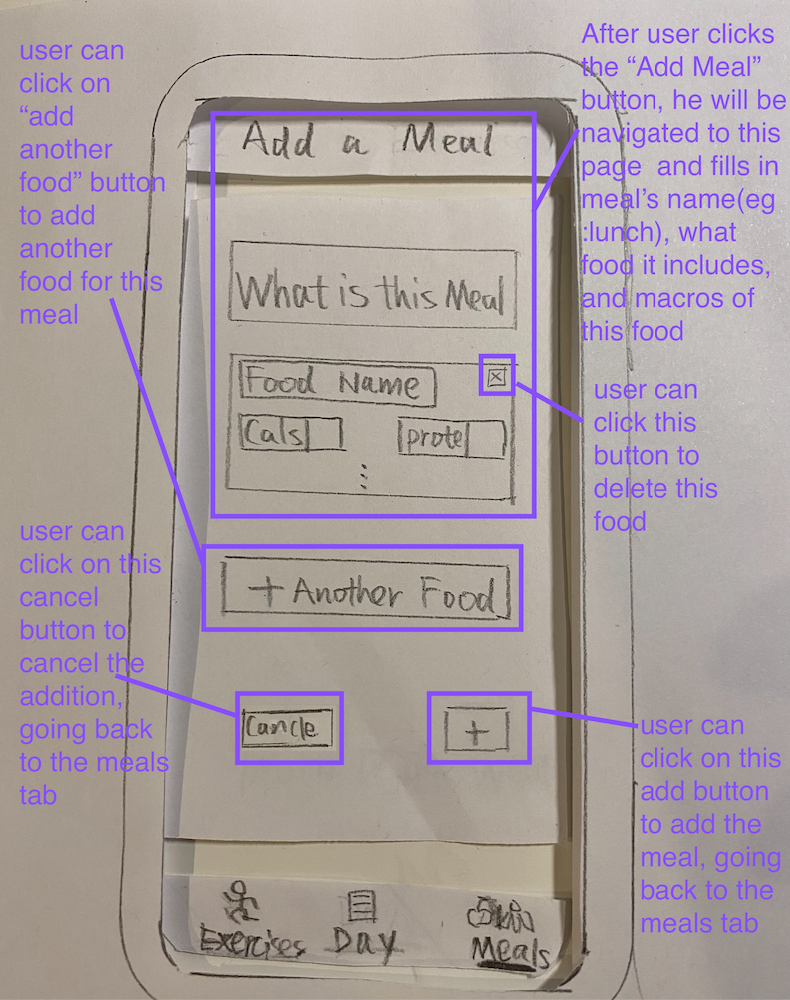
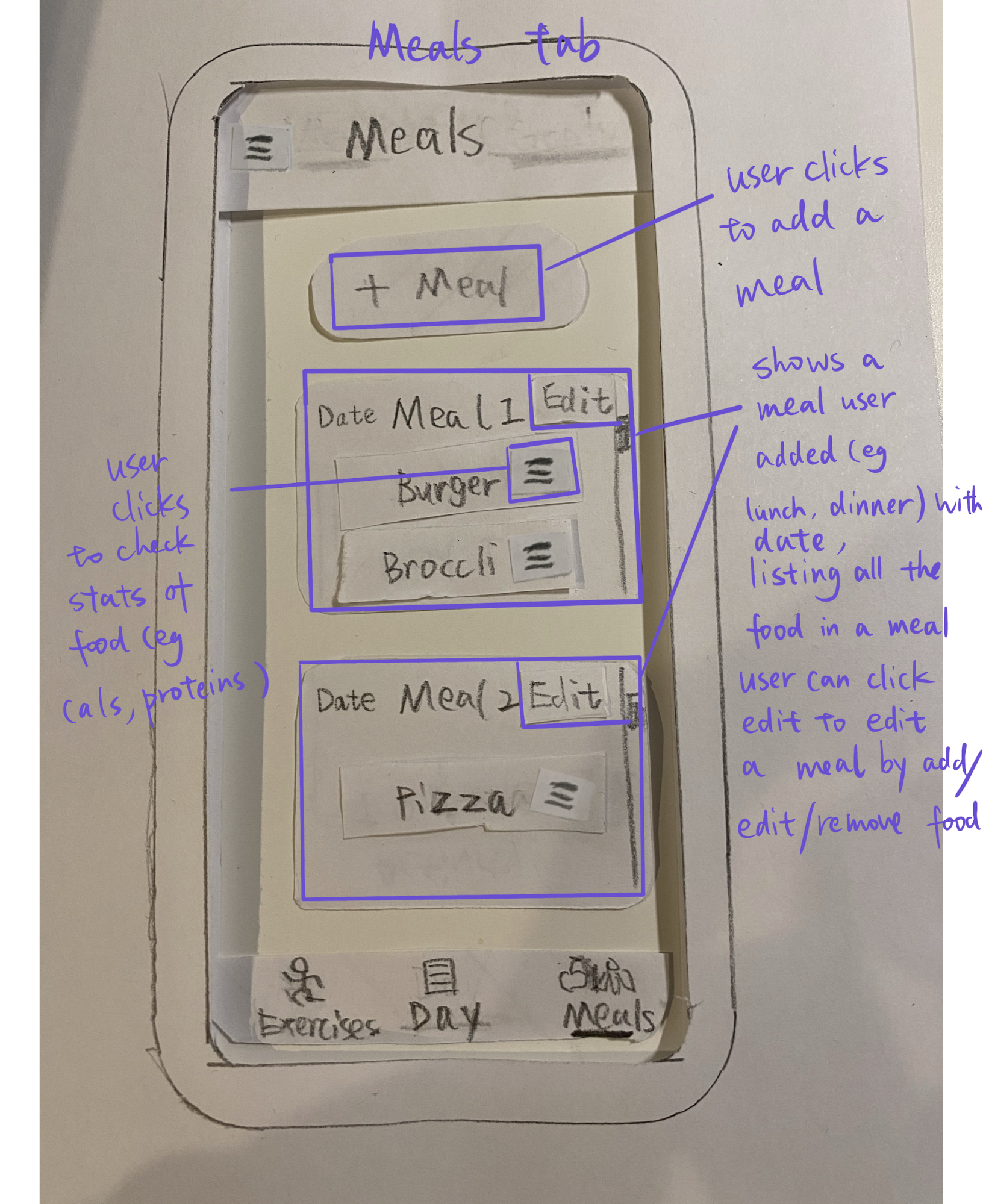
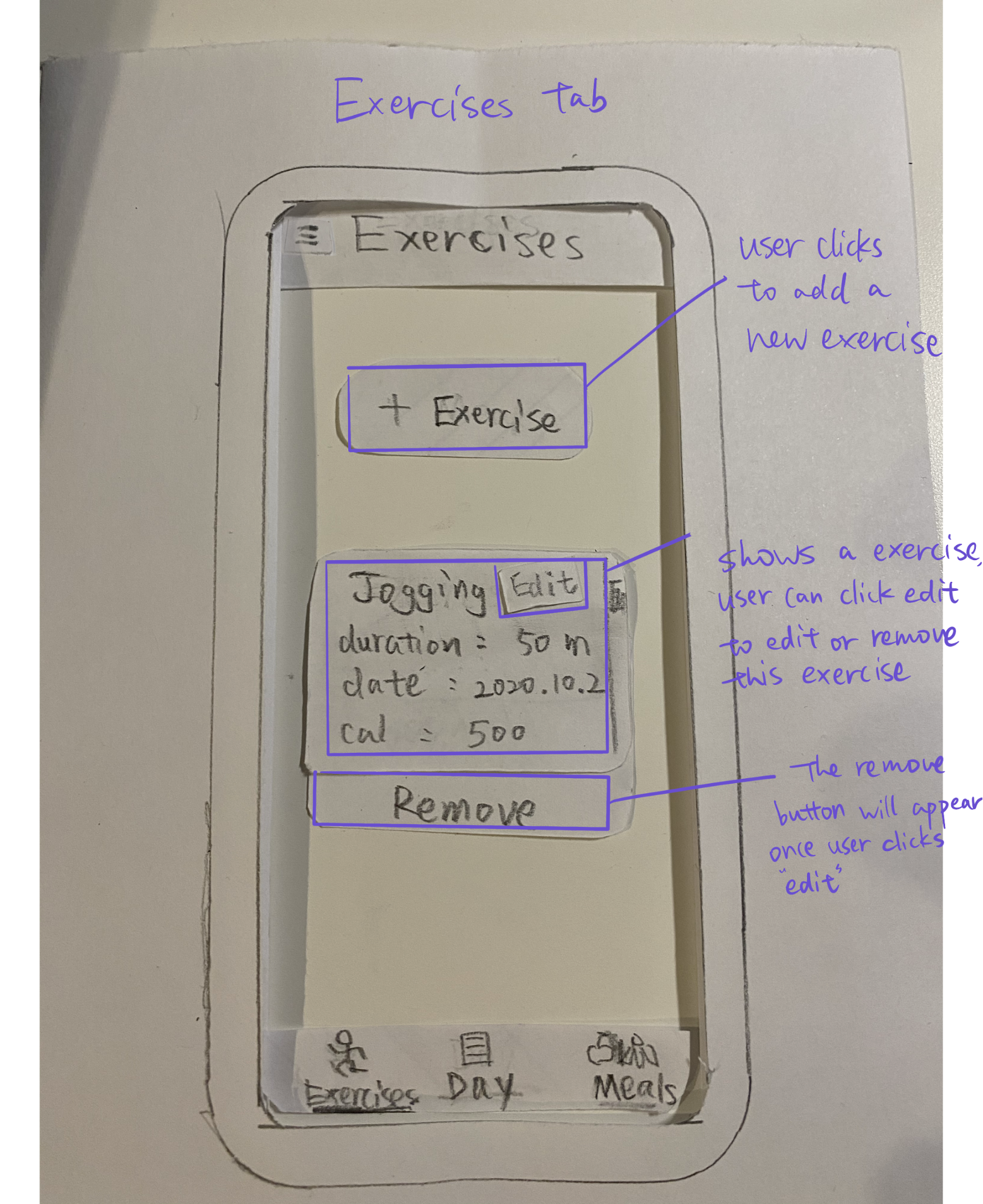
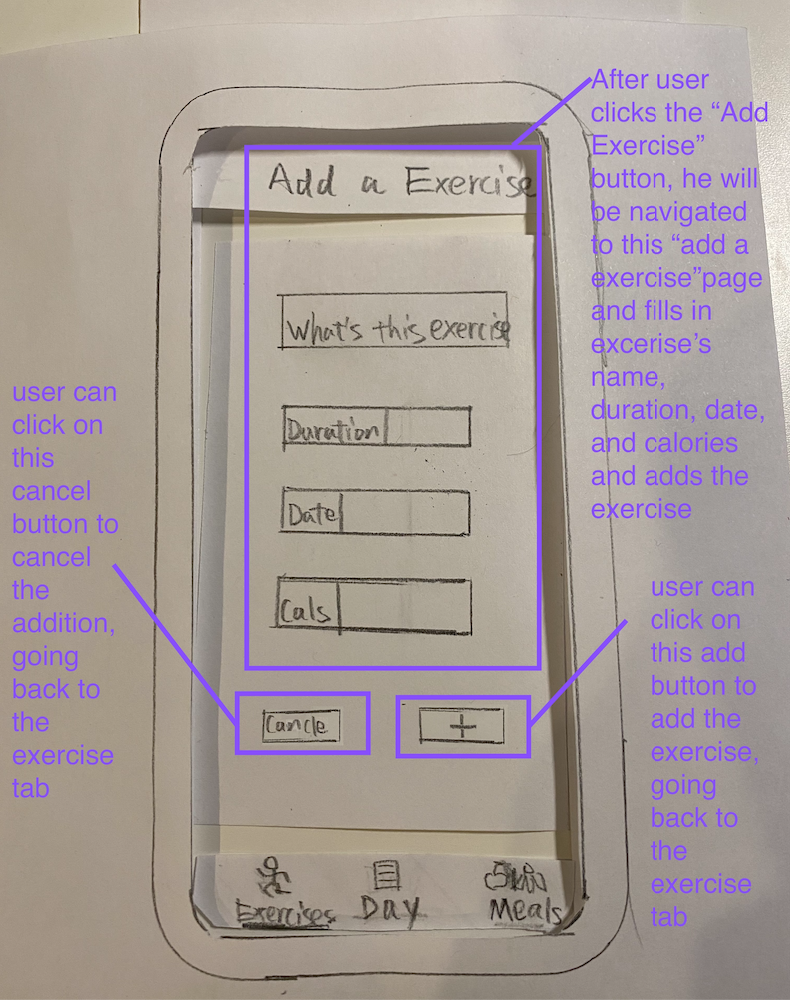
Paper prototyping is a good process to employ at the early stage of the UI design. The designs are easily disposable and composable.

Through this process, I learned how my UI will generally look like, what components I would have in my design, and what each component would do.

Most importantly understanding how the users can navigate between the different screens of the user interface.
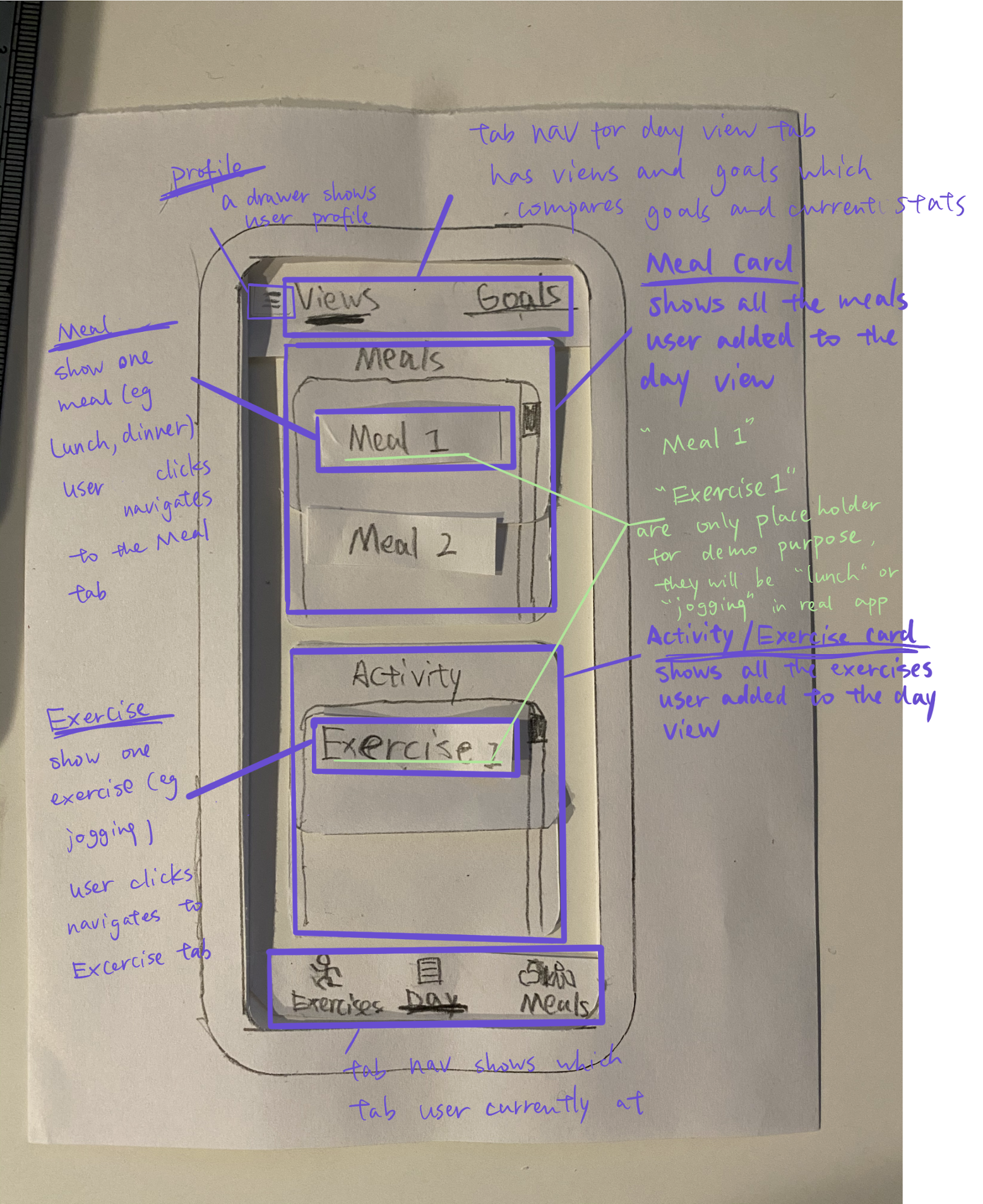
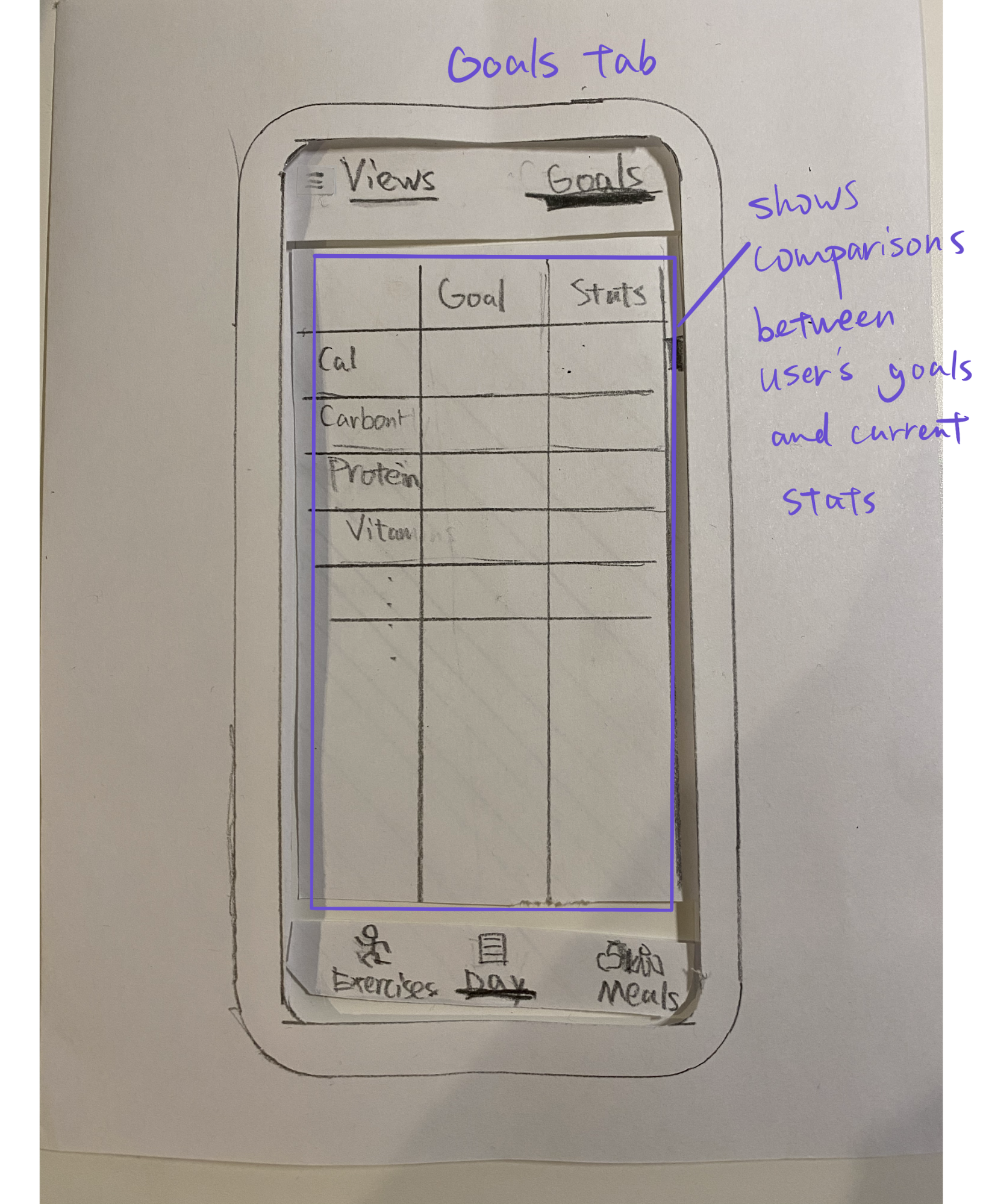
Home tab - paper prototype Goal tab - paper prototype Meal tab - paper prototype Adding a meal - paper prototype Exercise tab - paper prototype Adding an exercise - paper prototype

Static Prototyping (AdobeXD)

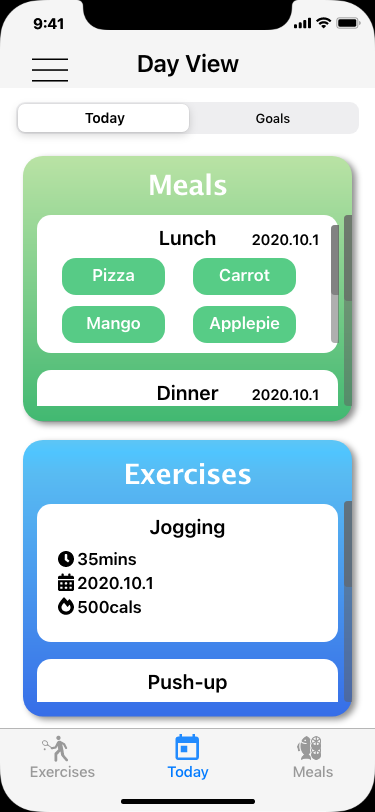
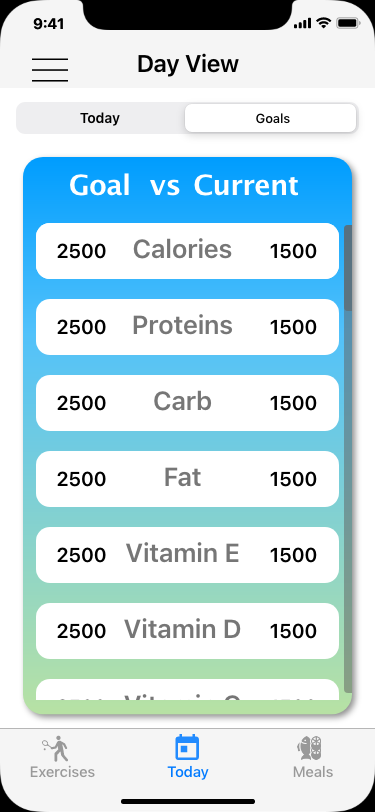
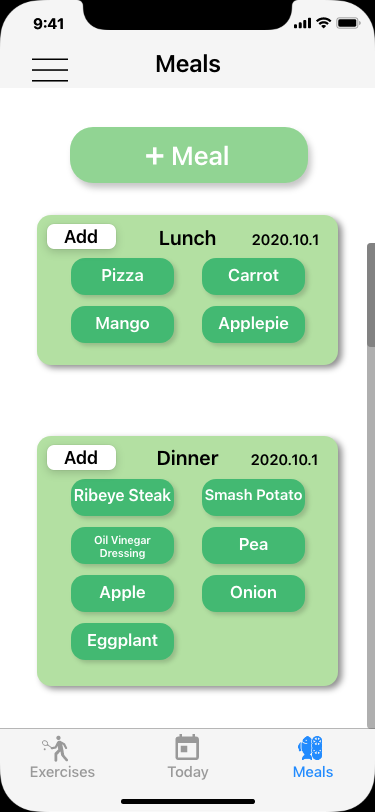
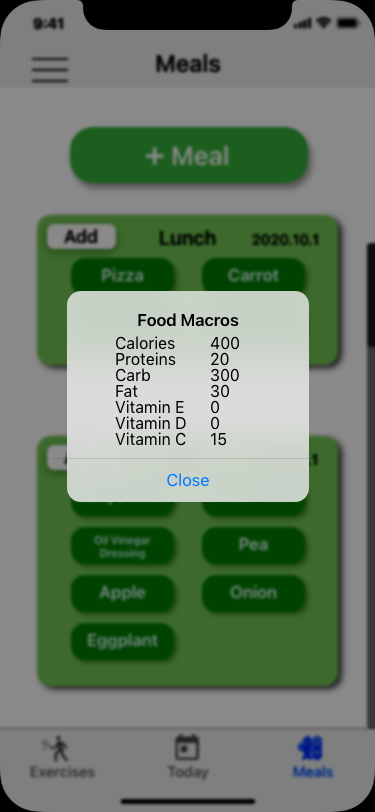
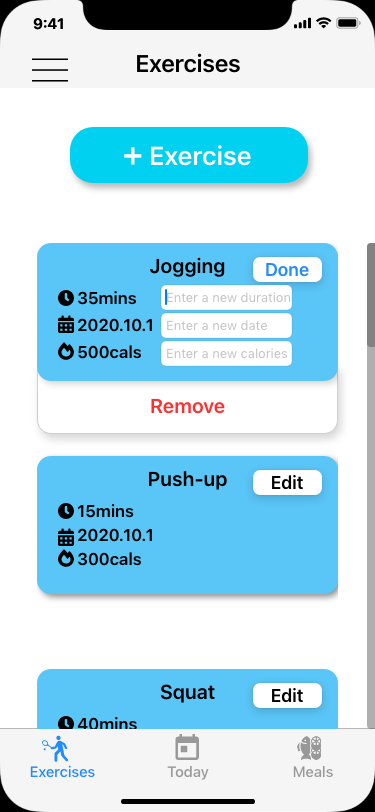
After defining components, actions, and navigations through paper design, the next process is to mock up the design digitally. A powerful tool to create digital UI design is using Adobe XD.

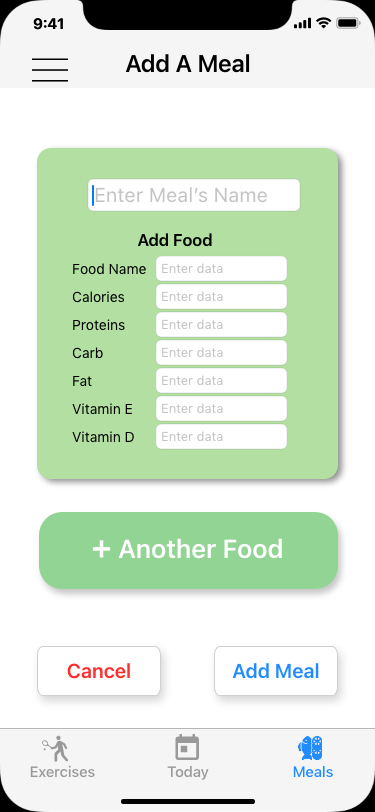
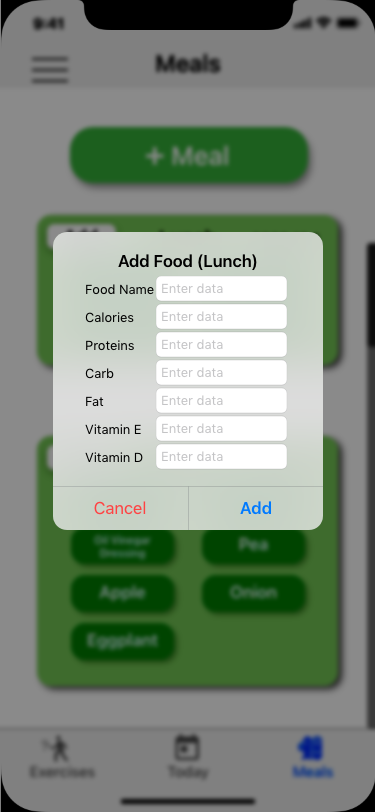
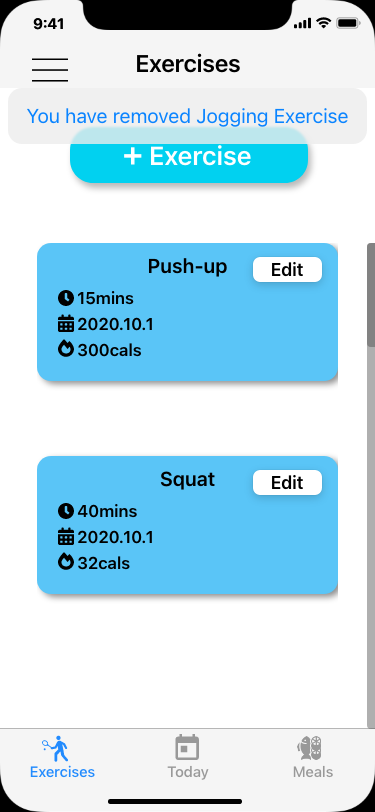
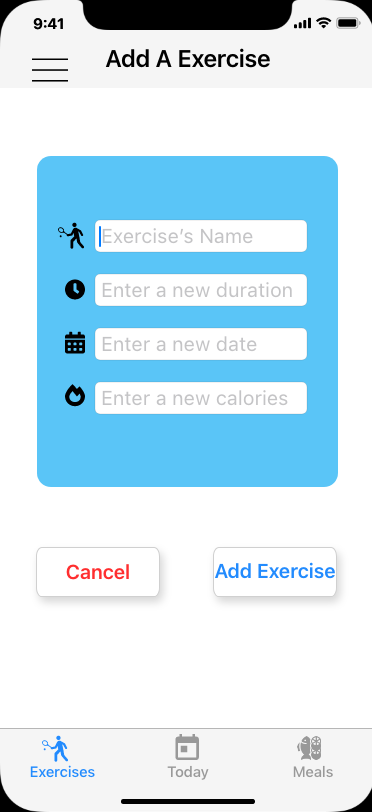
Home tab - digital mock up Goal tab - digital mock up Meal tab - digital mock up Meal tab, checking a food's nutrient value - digital mock up Adding a meal - digital mock up Editing a meal - digital mock up Exercise tab - digital mock up Adding an exercise - digital mock up Editing an exercise - digital mock up

Interactive Prototyping

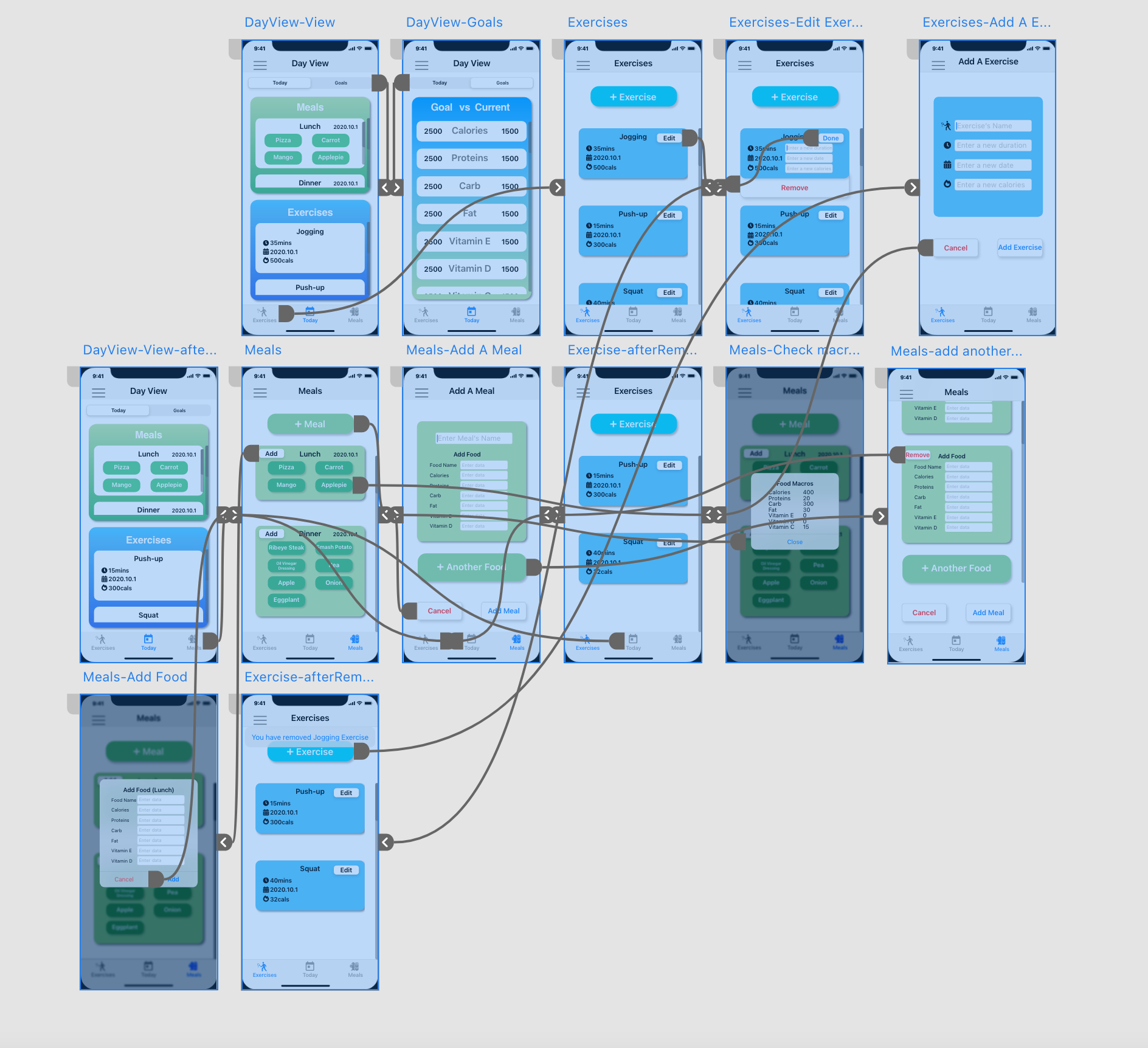
We have digitally mocked up the static screens from the process above. However, the result is static. We can add interactions and interactivity in AdobeXD to simulate what the UI will be like and how the users would navigate around the screen before implementing them through code.

Watch Video Demo open_in_new
Adobe XD interactive track wires